Aimavs: Your Free AI-Powered Social Media Post Generator
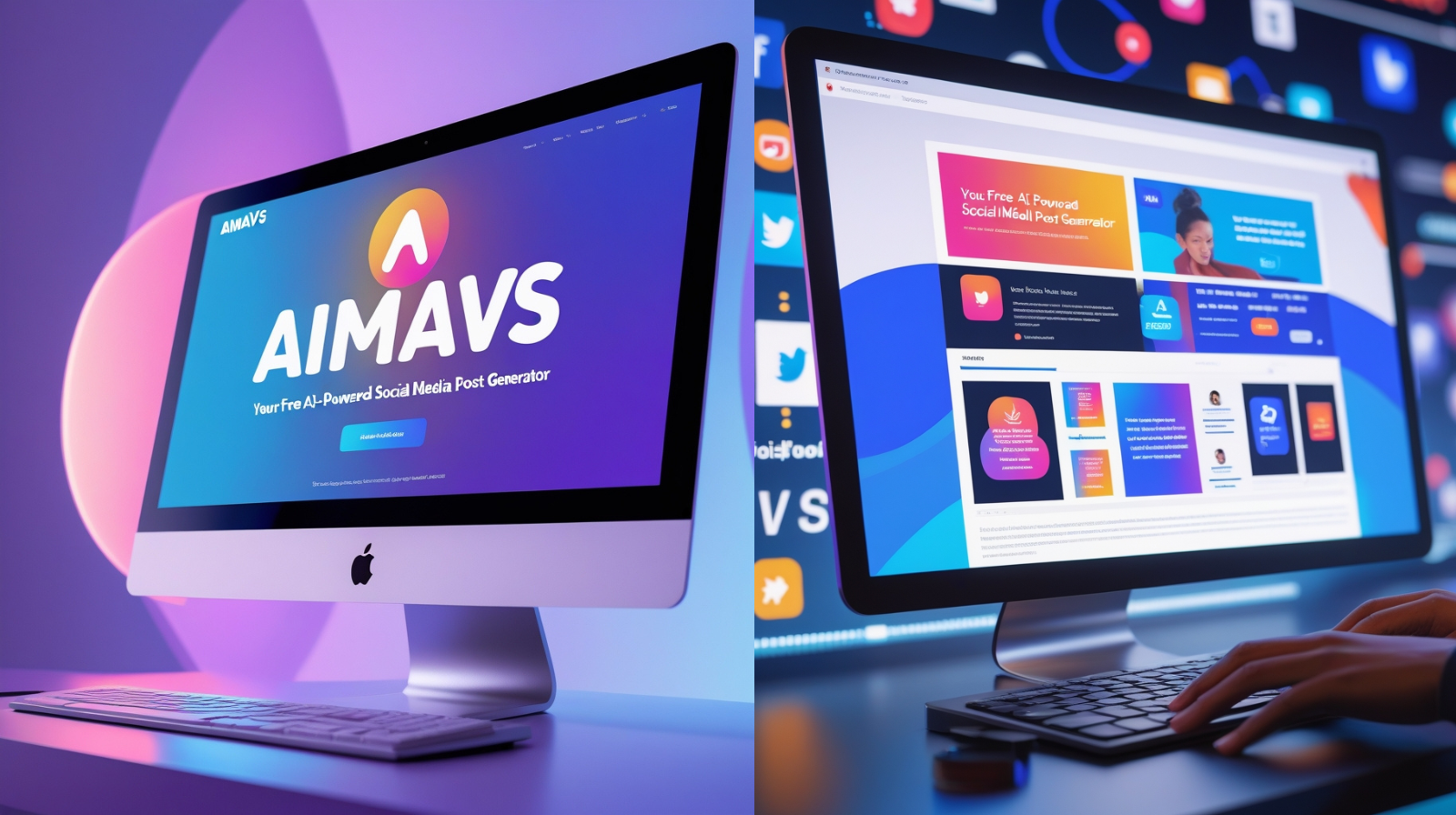
In a time when brand expansion depends on regular, interesting social media content, tools that enable you to create posts fast are priceless. One such tool is Aimavs, a free AI-powered social media post generator made to make content production easier for marketers, small businesses, startups, and individuals. Aimavs assists you in creating posts that are visually appealing, readable, and engaging, regardless of your level of experience creating content or managing several platforms.
What is Aimavs?
Aimavs is a free artificial intelligence tool. With little input, it assists users in creating social media posts, including full text, captions, topic ideas, and occasionally even styled postings. Aimavs generates drafts or ideas that are prepared for posting (or editing) once you enter a few keywords, select a tone or style, and select a social media channel (Instagram, LinkedIn, Facebook, Twitter, etc.).
**Typical key qualities are:**
Various alternatives for tone and style (e.g., professional, informal, witty)
Templates for different platforms
Suggestions for hashtags
Adjusting for length (short vs. long posts)
Options for downloading or scheduling content (based on integrations)
It's particularly alluring for early-stage authors or companies looking to preserve consistency without employing full-time content teams because it's free.
Why Use Aimavs? Benefits
Let's discuss why it makes sense to use Aimavs:
**Speed & Efficiency:** Reduces the time required to create original content for posts or generate captions.
Consistency: Assists in preserving a consistent tone and regular material flow across platforms.
Boost Your Creativity: AI frequently offers perspectives or concepts you would not have considered.
Low Cost: Since it is free, experimenting with platforms or content types carries no financial risk.
Learning Tool: You discover which content tones or styles are most effective for your audience as you use them.
#
Step-by--Step Guide: How to Use Aimavs
Step 1: Sign Up / Access the Tool
- Visit the Aimavs website (or app, if available).
- Sign up with your email / Google / social account. Many free tools require registration to track usage.
- Complete any onboarding prompts (e.g. “What is your business type?”, “What platforms do you use?”, “What tone do you prefer?”) — these help the AI customize suggestions.
Step 2: Choose Platform & Post Type
- Select the social media platform you’re targeting (Instagram, Facebook, LinkedIn, Twitter/X, etc.).
- Decide whether you want a caption / short post or a long-form post / article snippet.
- Choose any template if provided (e.g. “motivation quote”, “product launch”, “behind the scenes”, “testimonial”).
Step 3: Provide Input / Keywords
- Enter key details: topic, product/service, event, campaign name etc.
- Optionally give tone/style preferences: friendly, formal, witty, inspirational, educational.
- If relevant, specify audience: B2B, B2C, age group, industry.
Step 4: Generate Drafts
- Click “Generate” (or equivalent).
- Wait for a few seconds while the AI crafts one or more post options.
- Review the drafts. Usually, you’ll get 2-5 options.
Step 5: Refine & Customize
- Pick the draft you like best.
- Edit it: add your brand voice, correct grammar or terminology, insert specific call-to-action (CTA)—“Learn more”, “Shop now”, “Comment below”, etc.
- Add hashtags (if Aimavs suggests some, or your own).
- Adjust length/tone if needed.
Step 6: Visualization & Formatting
- If Aimavs has features for images or templates, choose a design layout.
- Ensure line breaks, emojis, or bullet points are formatted for readability on the platform.
- Check preview if available to see how it will appear on feed.
Step 7: Save, Schedule, or Export
- Save the finalized post.
- If Aimavs integrates with scheduling tools (or has its own scheduler), you can set date/time to post.
- Otherwise, copy the content and paste into your social media management tool (Buffer, Hootsuite etc.), or directly into the platform.
Step 8: Monitor Performance & Learn
- After the post is live, monitor likes, comments, shares, reach.
- Note which tones, styles, formats are performing better.
- Use those learnings to feed into your next Aimavs inputs (e.g. “Use more motivational tone”, “Shorter posts work better for Instagram”, etc.).
Best Practices & Tips
To get the most out of Aimavs or any AI content generator:
- Always read and tweak: AI may produce generic or slightly off text; customizing helps maintain authenticity.
- Use a consistent brand voice: decide your tone/style and try to stick with it.
- Use specific details in input: the more precise your prompt (target audience, product, outcome), the better the output.
- Use post ideas as inspiration: even if you don’t use entire draft, parts of it (hashtags, opening lines) may spark better ideas.
- Keep a content calendar: Aimavs helps with generation, but planning helps maintain consistency.
Limitations & What to Watch Out For
While Aimavs is powerful, it's not perfect. Be aware of:
- Generic output: Sometimes posts feel templated or bland without personal touches.
- Tone mismatch: If you don’t specify tone well, the AI’s attempt may not align with your brand voice.
- Relevance issues: The AI might misinterpret context; always verify facts and relevance.
- Platform rules & hashtags: Some platforms have limits (e.g. hashtag count, line length). AI drafts may need trimming.
- Over-dependence: Don’t let AI replace human creativity completely — audience connection often comes from authenticity.
Frequently Asked Questions (FAQ)
Q1: Is Aimavs really free?
A: Yes — the core post-generation features are free. There may be limitations (number of posts per day, advanced templates or visuals) or paid upgrades, but for basic caption/draft generation it's free to use.
Q2: Can I use Aimavs for multiple social media platforms?
A: Generally yes. Most such tools let you choose the platform and sometimes format accordingly (e.g. shorter for Twitter, longer for LinkedIn). But always check if post formatting or features differ by platform.
Q3: Do I need to be good at writing to benefit from Aimavs?
A: Not really. Aimavs is designed to help even non-writers. But having a sense of your brand’s tone, what your audience likes, and basic grammar helps you refine the AI drafts into something compelling.
Q4: How many posts can I generate per day?
A: It depends on Aimavs’s free plan policy. Some free tools limit the daily usage; others might have unlimited generation but with limited features. Check their official documentation.
Q5: Does Aimavs support visuals / image templates?
A: If the current version has visual template or design-support, you can select layout or background graphic. If not, you will use text drafts and add visuals via separate design tools like Canva.
Q6: Will content from Aimavs be unique?
A: AI-generated drafts are usually unique in phrasing, but since many users may ask similar prompts, some similarity is possible. Always add your brand voice and tweak parts to avoid sounding generic.
Q7: How do I ensure engagement (likes, comments) using Aimavs content?
A: Tips include:
- Use strong, attention-grabbing opening lines.
- Add questions or prompts to encourage comments.
- Use relevant hashtags.
- Post visuals with the caption.
- Monitor what works and iterate.
Q8: Is Aimavs safe/secure? What about privacy?
A: Most tools store prompt data to improve the system, but ethical ones keep your input confidential. Always read the privacy policy: ensure they don’t use your brand content for other customers or expose sensitive info. If using customer or product data, avoid inputting very sensitive details unchanged.
Final Thoughts
Aimavs offers a fast, free way to generate social media post drafts, saving time while helping you stay consistent. For startups, solopreneurs, content creators, or small teams juggling many tasks, this kind of tool can be a real productivity booster.
To get maximum value:
- Feed it clear prompts (what you want, for whom, tone).
- Always edit drafts to align with your brand’s voice.
- Use performance feedback to refine future inputs.
- Don’t rely entirely on AI—human creativity, visuals, and audience connection still matter.
Free AI Tools
Boost your Social Media with free AI tools by AI Mavs
 AI Image Generator
 AI Videos Generator
 Text to Voice Generator
 Youtube Video Ideas
 Instagram Reel Topics
 Trending Keywords
 Trending Hashtags
 Blog Content Generator